Muv-Luv Girls Garden Daily Routine Guide
A tight login loop: mine claim, Simulate, Maze, breakpoints, missions, and timed inbox gifts.
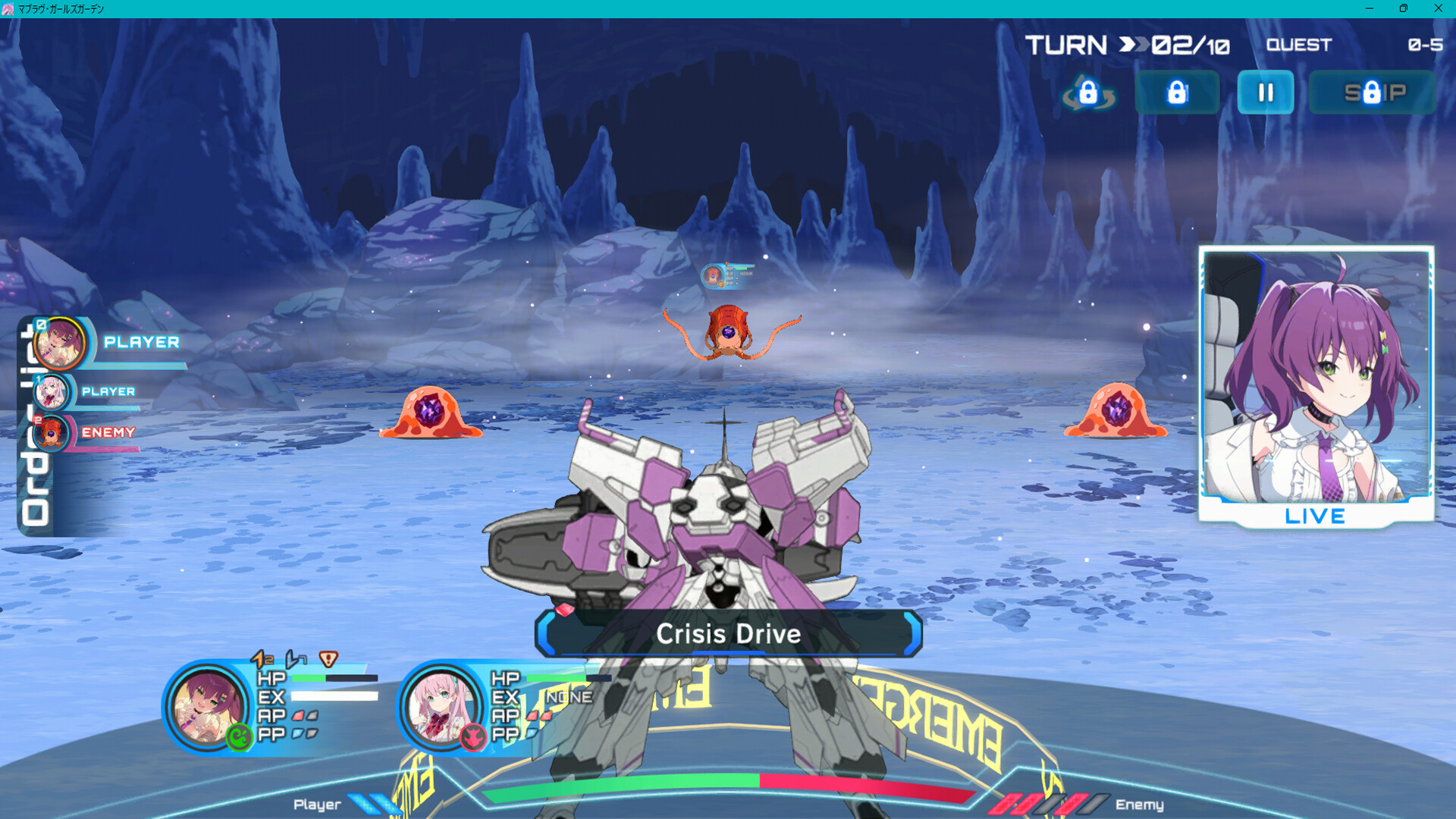
A good daily routine in Muv-Luv Girls Garden is a ten-minute login that protects idle income, clears element practice, nudges Maze, and empties inboxes before the clock rolls. The game is a full-auto idle mecha RPG at Zar’tum Academy — progress happens while you are away, but only if you claim on time and spend at breakpoints. This page is the ordered loop Commanders should run once Mining and Battle Simulate are online.
New accounts still follow Getting Started until Recruit (0-8) and Mining (~1-13) unlock. F2P gem rules stay on the F2P Guide. This routine assumes those systems exist and you want them to compound.
Reset clock first
Daily reset is 05:00 JST, which equals 20:00 UTC on the previous calendar day. Plan your “last claim of the day” and “first claim of the day” around that stamp, not around local midnight. Battle Simulate floors, mission boards, and many gift timers respect the JST reset. If you play evenings in the Americas, remember that “yesterday’s” UTC evening is already tomorrow’s JST day.
Write the reset on a sticky note until it becomes muscle memory. Missing a Simulate set or leaving ore past the soft claim window costs more than a slow auto battle.
The ordered 10-minute loop
Run these steps in order. Do not open Recruit mid-loop unless a mission literally requires it.
1 — Claim the mine
Open Mining and collect. Claim before roughly 12 hours for the full rate; efficiency drops after that window. If you are about to sleep or leave for work, claim first even if you skip Maze. Details and idle specialists live in the Mining Guide.
Never start a long story session with an unclaimed mine. Ore funds the upgrades that make every later step cheaper.
2 — Battle Simulate all elements
Once unlocked around main 2-7, clear about ten floors per element per day. Aggressive, Smart, Cute, and Shy bands exist so you practice coverage; bring Clever into the band that hates your current DPS colors. Affinity rules are covered in Elements & Combat.
If a band fails, note the color and fix roster or Memories later — do not burn the whole login on one stubborn floor.
3 — Maze push
Spend a focused block on Maze: clear until the next soft wall, buy only shop items that solve that wall, then stop. Maze without a prior mine claim is a stamina tax. Maze without element awareness repeats the same resist failure.
A short clean push beats an hour of failed peak attempts. Return tomorrow with ore spent and Simulate done.
4 — Spend materials at breakpoints
After Simulate and Maze, spend stockpiled materials into the units that actually failed or cleared content — tank, sustain, main DPS — not into every SR portrait. Breakpoints mean:
- Enough levels / Limit Break to pass the current story or Maze gate
- Enough Memory upgrades to equip the team-buff you already own
- Enough ore sinks to remove the soft wall you just hit
Stop spending when the wall is gone. Hoarding forever is wrong; spraying every scrap across twelve pilots is also wrong. Best Teams decides who receives the pile.
5 — Claim missions, gifts, and Special Thanks inbox
Finish with a full inbox sweep:
- Daily / weekly mission claims
- Gift box and world-shared gifts
- Free Shop Value Packs if not yet taken
- Live Codes if a new string dropped
Special Thanks is an inbox gift, not a redeemable code. Official English X communication has pointed Commanders at a Special Thanks package of Free Gems x700 plus Supply Kit x2, claimable through the inbox with a deadline of 2026-12-02 19:59 UTC. Claim it like mail — do not type it into the code entry field, and do not confuse it with GIRLSGARDEN or other strings on the Codes page. If the window has passed on your account, skip it and keep sweeping normal mail.
Extracurricular Activities
When Extracurricular Activities are available, fold them into the same login after Simulate or before the inbox sweep. Treat them as structured academy tasks that feed materials and affection progress — useful for unlocking Memories covered in the Memories Guide. Do not let Extracurriculars replace mine claim or Simulate; they are additive, not a substitute for the idle backbone.
Tactical Exercise (after 3-21)
Tactical Exercise unlocks around main 3-21. Expect a capped daily set — commonly discussed as five runs per day. Clear the five when the mode is open; they are efficient practice and reward density once your core squad is online. Until 3-21, ignore the mode and keep pushing story gates instead of staring at greyed icons.
Circle missions (after 2-26)
Circle opens around main 2-26. After unlock, add Circle missions to the end of the loop: claim contribution rewards, finish easy daily Circle tasks, then leave. Circle expands the social/account resource loop; it should not eat the mine claim or Simulate block. If Circle and Extracurriculars stack on a busy day, still protect steps 1–2 first.
Unlock ladder for the routine
| System | Approx. gate | Daily role |
|---|---|---|
| Recruit | Prologue 0-8 | Pull only on planned banners |
| Mining | Main 1-13 | Claim before ~12h for full rate |
| Battle Simulate | Main ~2-7 | ~10 floors per element |
| Maze | with Mining online | Short push to next wall |
| Circle | Main ~2-26 | Missions / contributions |
| Tactical Exercise | Main ~3-21 | Up to 5 runs / day |
Build the routine as systems unlock. A chapter-1 Commander only needs claim hygiene and story; a chapter-3 Commander runs the full list.
Sample calendars
Weekday (busy) — Claim mine → Simulate all open element floors → one Maze band → spend at the wall → inbox + Special Thanks if present → stop.
Weekend (deeper) — Same opener, then a longer Maze session, Extracurriculars, Circle missions, Tactical Exercise five, affection for Memory unlocks, and a codes check.
Pre-reset scramble — If 05:00 JST is close, prioritize Simulate floors and mission claims that expire on reset, then mine claim if the 12h window is also at risk.
What not to do during the loop
- Convert all gems mid-routine because a banner animation looked cool
- Skip mine claim to “save time” then lose rate after 12h
- Mono-element Simulate clears while other bands sit untouched
- Enter Maze before collecting ore
- Type Special Thanks into the code box
- Build seven partial DPS with leftover materials instead of the five-slot core
Tie-ins across the wiki
- Idle math → Mining
- Underground push → Maze
- Affinity and Simulate → Elements & Combat
- Redeemable strings → Codes
- Budget and pity → F2P
- Who receives upgrades → Best Teams and the Tier list
Run the ordered loop every day the client opens. Claim the mine on time, finish element Simulate, nudge Maze, spend at real breakpoints, and empty missions plus timed inbox gifts like Special Thanks before 05:00 JST rolls. That rhythm is how idle MG pilots at Zar’tum keep climbing without turning every evening into a three-hour chore.
Frequently Asked Questions
Quick answers for commanders clearing Zar'tum and the Maze.
When does the daily reset happen?
At 05:00 JST, which is 20:00 UTC on the previous calendar day. Plan Simulate and mission claims around that stamp.
How often should I claim Mining?
Claim before about 12 hours for the full rate. Efficiency drops if you leave the mine uncollected longer.
Is Special Thanks a code?
No. Special Thanks is an inbox gift (Free Gems x700 + Supply Kit x2, claim by 2026-12-02 19:59 UTC per official EN X). Do not enter it in the code field.
What order should I run dailies?
Claim mine, clear Battle Simulate element floors, push Maze, spend materials at breakpoints, then claim missions, gifts, and inbox rewards.
When do Tactical Exercise and Circle join the loop?
Circle around main 2-26; Tactical Exercise around main 3-21 (about five runs per day). Add them after mine claim and Simulate are secure.